Invoices
Make an invoice from the items you've saved, then send it by email or share a link. It carries your logo and payment details. You can download any invoice as a PDF.
 SnapStaq.
Invoicing
Send invoices, record what clients pay, and keep track of what the business spends.
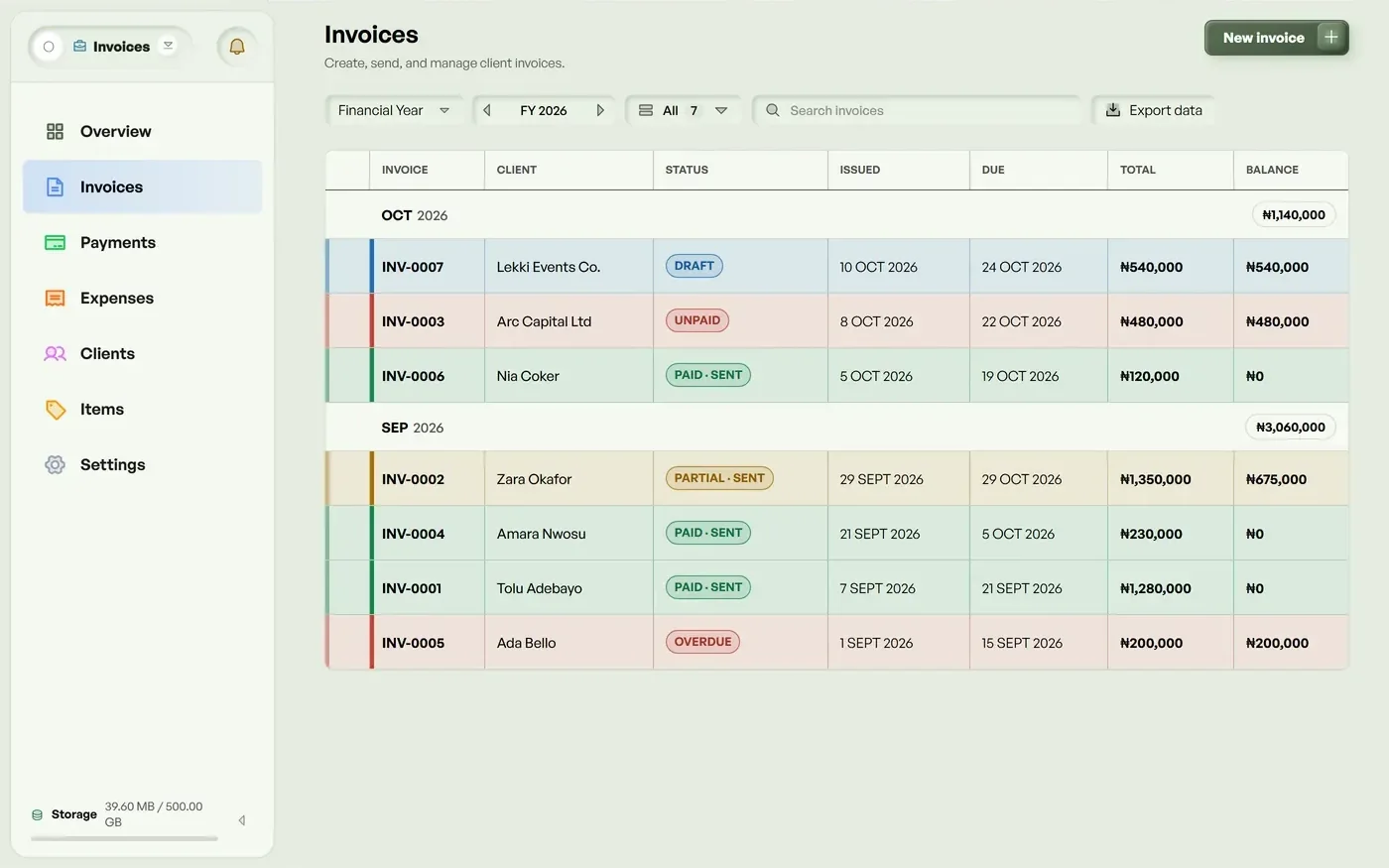
Make an invoice from the items you've saved, then send it by email or share a link. It carries your logo and payment details. You can download any invoice as a PDF.
Log what you spend and attach the receipt. Costs that repeat every month or year are added for you. You can bill an expense to a client. The overview shows what you billed, what you received and your profit for each month, and you can download it as a spreadsheet.
Install Invoicing on your phone as its own app.
Yes. You choose the currency for each invoice, and totals never mix two currencies.
Yes. Record the payment and send the receipt to the client.
Advanced, Pro and Max. Every plan starts with a 14-day free trial. No card needed.
No card needed. Every feature is included while you try it.
Start free