Services page
List your services with their prices, photos and what's included. You can group services into suites. Clients open your page at yourname.snapstaq.com/services, pick a service and ask for a date.
 SnapStaq.
Desk · Bookings and clients
Desk is for the client side of your studio: the services you sell, the people who ask about them and the shoots they book.
List your services with their prices, photos and what's included. You can group services into suites. Clients open your page at yourname.snapstaq.com/services, pick a service and ask for a date.
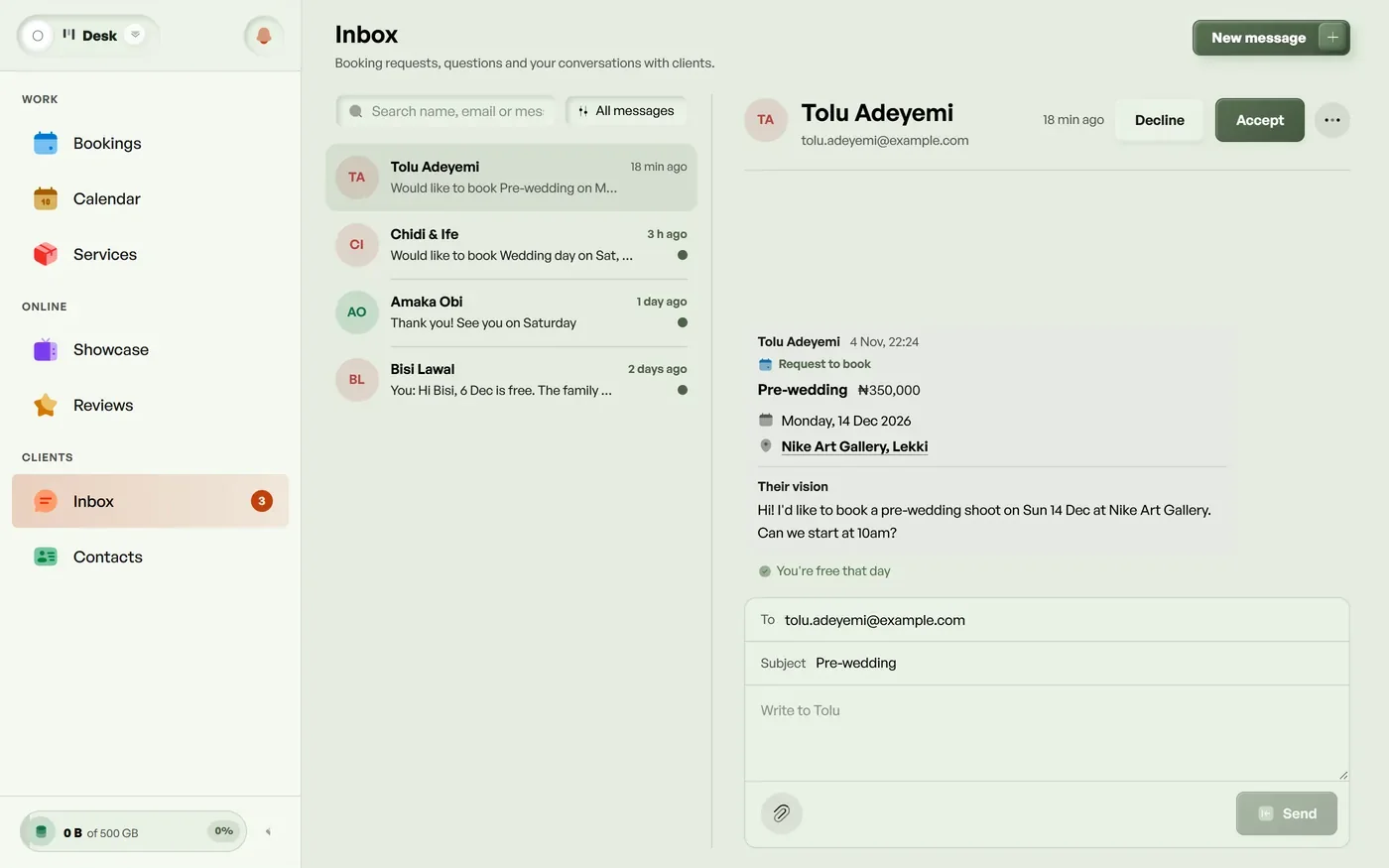
Every booking request and question goes into one Inbox. You reply from SnapStaq and the client gets it by email. When they reply from their email, it comes back into the same conversation.
A booked day is closed to new requests. You can close any other day yourself. Connect Google Calendar and days that are busy there close too. Apple Calendar and Outlook can follow your calendar with a private link.
Everyone who booked or asked is saved in Contacts. Clients can leave a review from their gallery, and you pick which reviews show on your Showcase and services page.
Clients ask for a date from your services page. The request comes into your Inbox, and you add the booking when you agree.
Yes. Bookings go into your Google Calendar, and days that are busy in Google close to new requests.
The Showcase is on every plan. Bookings, the Inbox, the calendar and contacts come with Advanced, Pro and Max. Every plan starts with a 14-day free trial. No card needed.
No card needed. Every feature is included while you try it.
Start free